
glow puts pictures in a terminal emulator. Kitty graphics, sixel, w3m, chafa, half blocks, braille. It picks whatever the terminal has. The app doesn’t have to care.
Now it draws straight in a TTY.
The console
Ctrl+Alt+F3. No X, no window, no graphics protocol. The console has none of that.
It has the screen though. /dev/fb0, the pixels themselves, a row at a time.
glow maps that and writes to it. Real pixels, not blocks of text or faking pixels via braille.
The console keeps drawing its own text over the top. A canvas leaves holes where the names and the numbers go, so text and picture share one screen.
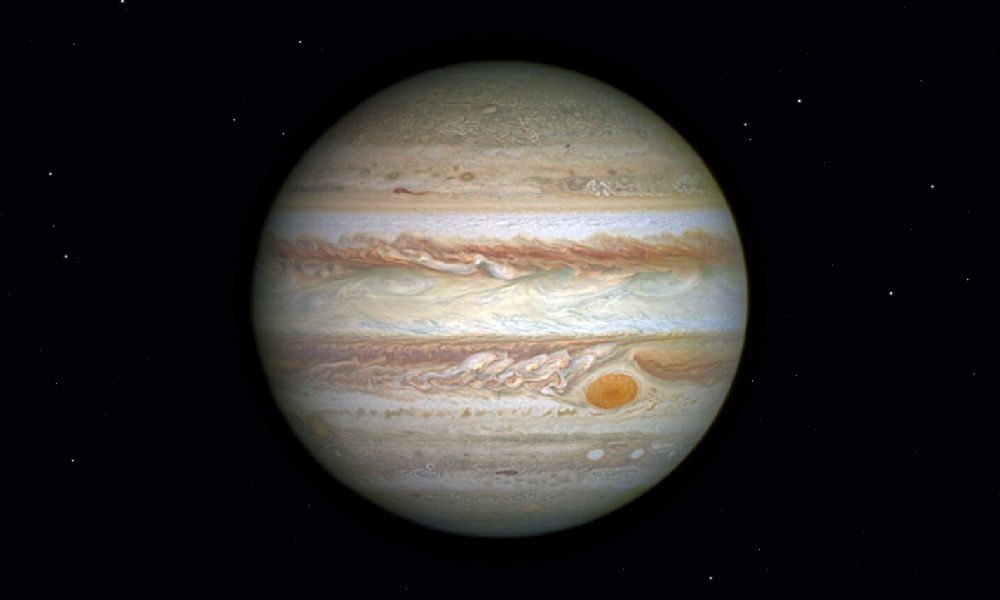
Not a line of code was changed in moon, universe, isotopes, fractal, pointer, the launcher or the games.
The trap
Writing to the screen is not enough. /dev/fb0 on a modern kernel is an emulation over DRM, with a copy behind it. You write, and nothing shows.
msync? No. fsync? No. Pan the display? No.
Unmap the screen. That is the word it answers to. Ten milliseconds for the whole 1920x1200, every frame.
The games run there now. So does moon.
What the console still cannot
Sixteen colours for text. The kernel maps every finer request down to them. crust now sets those sixteen to a broader set than the default 8.
No key releases can be recorded, so a held key runs on a timer.
Alone?
Terminal image tools stop at the terminal. Framebuffer viewers own the whole screen and show no text. I found nothing that does both.
Link to this post: https://isene.org/2026/09/Glow.html