
Like I said in the CHasm README: don’t use my tools. Clone them, fire up Claude Code and make them yours. That’s still my message.
But you should be able to try them out. With very little effort. It wasn’t easy before. Ten repos, ten builds, five config files to write, a wallpaper to bake, a session to wire up. Now it’s three commands:
git clone https://github.com/isene/chasm
cd chasm
./chasm-install
What you get
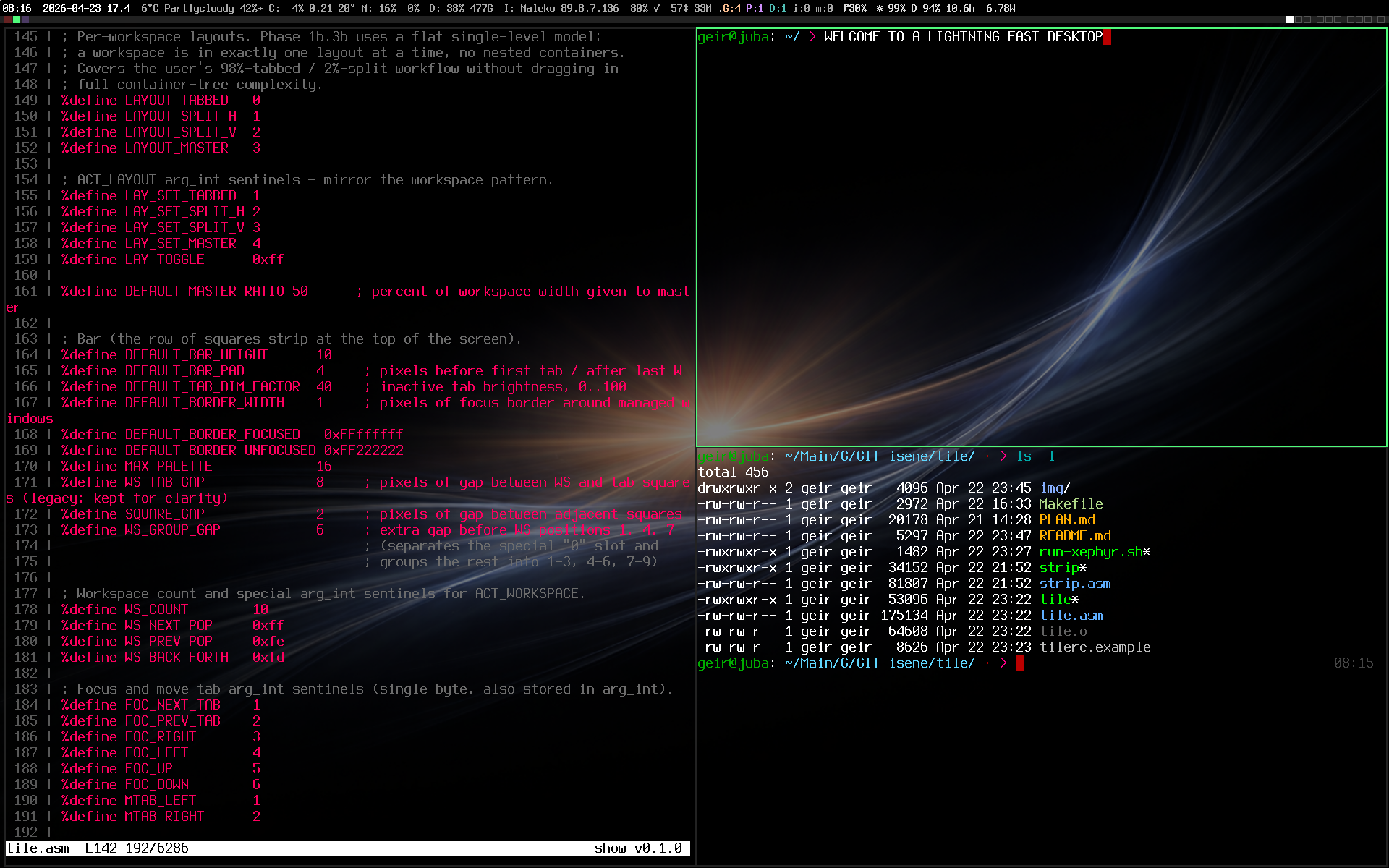
The whole CHasm desktop. The window manager, the status bar, the terminal, the shell, the pager, the screen locker, the presenter tools, the login greeter. And frame, the X server itself. Every one of them pure x86_64 assembly. All of it is one download of only 300 KB.
No nasm, ld or compiler. The binaries are static, so they run on any 64-bit Linux. The installer fetches them and puts them in /usr/local/bin. It installs the two fonts the terminal uses and drops my default config files into your home. If you already have a ~/.tilerc, then yours stays.
Five of my wallpapers come along. Mod4+w cycles them.
Three ways in
A “CHasm” entry lands in your login screen. Log out, pick it, and tile runs on the Xorg you already have.
Or stop the login screen, go to a text console and type sudo chasm-session. Then frame takes the screen. No Xorg anywhere. Just the kernel, assembly, the terminal.
Or say yes when the installer asks, and bolt-greet becomes your login screen at next boot. It asks. Say no and your boot is untouched.
Inside, Mod4+Return opens a terminal and Mod4+? shows every key.
Under the hood
One script builds every repo and publishes the tarball. When I release a new glass or a new frame, I run that script and the next person gets the new one. Claude wrote the installer this afternoon.
Summary
Clone, cd, install. Then make it yours.
BTW
My Dell XPS14 now runs on less than 3W when idle and with 60% screen brightness. The CHasm suite resulted in more than double battery life.
Link to this post: https://isene.org/2026/09/Chasm-Install.html