
Hoping to inspire by making it easier to try out this stuff.
In September, CHasm came down to three commands. But you still had to install it. On your own machine, into your login screen.
Now it’s one command, and just a Docker image:
docker run --rm -p 127.0.0.1:6080:6080 ghcr.io/isene/chasm-try
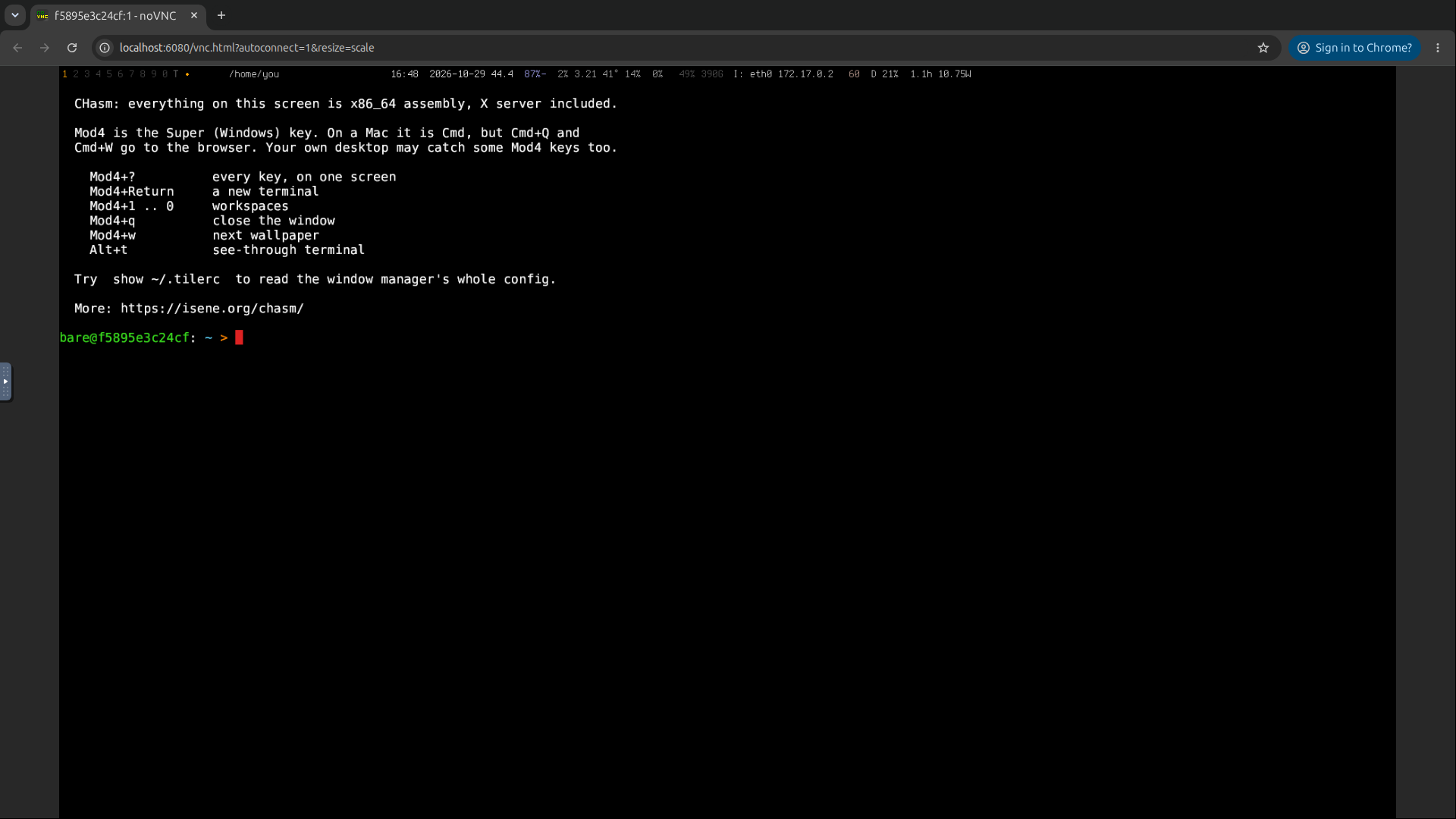
Open http://localhost:6080 and you’re in. The whole desktop in a browser tab.
What runs there
frame, the assembly X server, draws the screen into memory instead of onto a monitor. A VNC server reads that picture, and noVNC shows it in the browser. Everything else is the real thing, installed the way the README says: tile, strip, glass, bare, show and more.
A terminal opens with the keys you need first. Mod4 is the Super (Windows) key. Mod4+Return opens a new terminal, and Mod4+? shows the key legend:
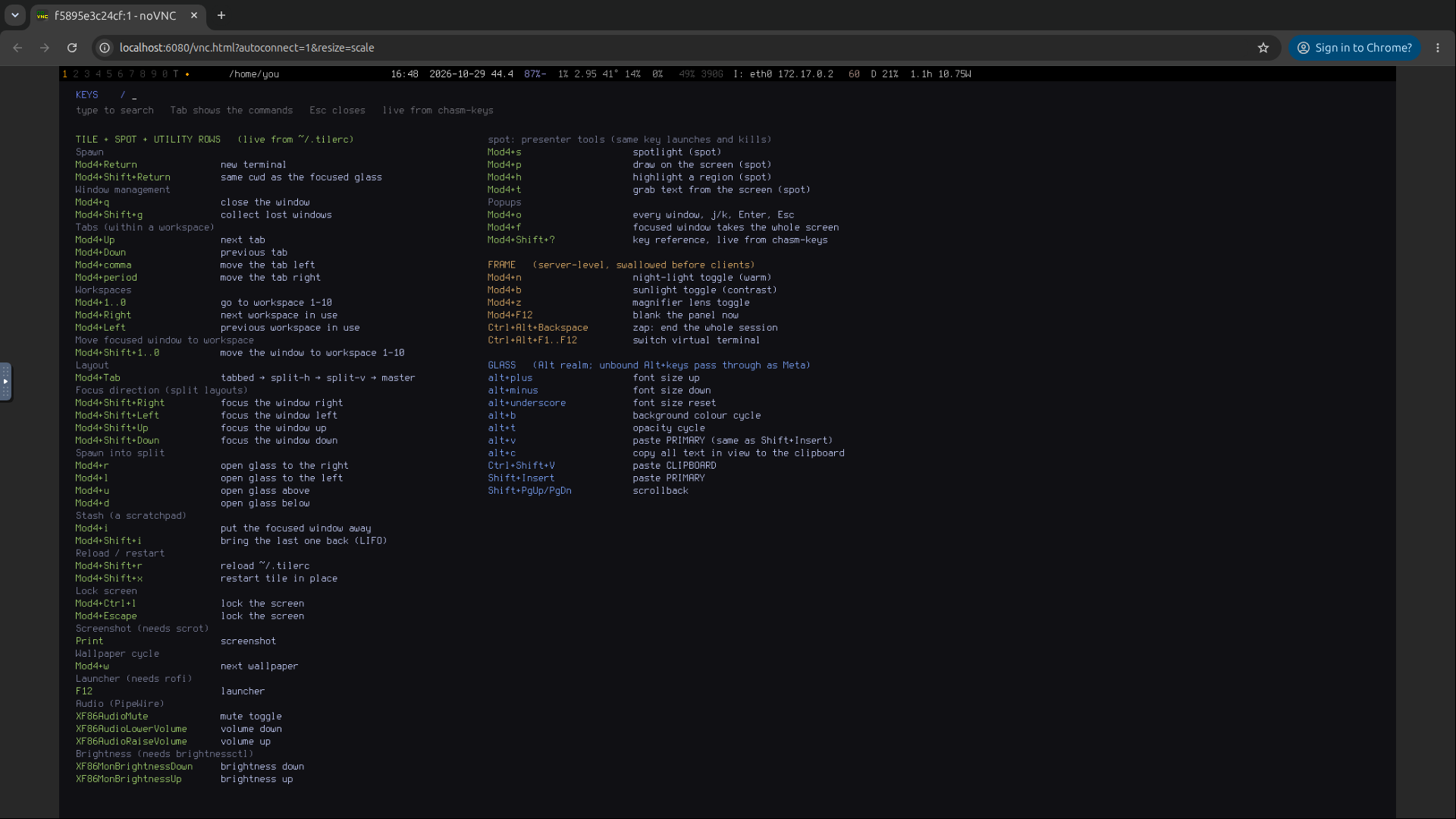
On a Mac, Mod4 is Cmd. But Cmd+Q and Cmd+W belong to the browser. Your own desktop may also grab a few Mod4 keys before the tab sees them.
It’s obviously much slower than on real hardware.
The image is 740 MB. CHasm is a puny 300 KB of that. The rest is Debian and the tools that send the picture to the browser.
Under the hood
Claude had the image running twenty minutes after I said yes. A GitHub workflow builds it again with every CHasm release, so the browser version stays the same as the real one.
Summary
One command, one tab. Like it? Then three commands for the real thing.
Link to this post: https://isene.org/2026/10/Chasm-Try.html