
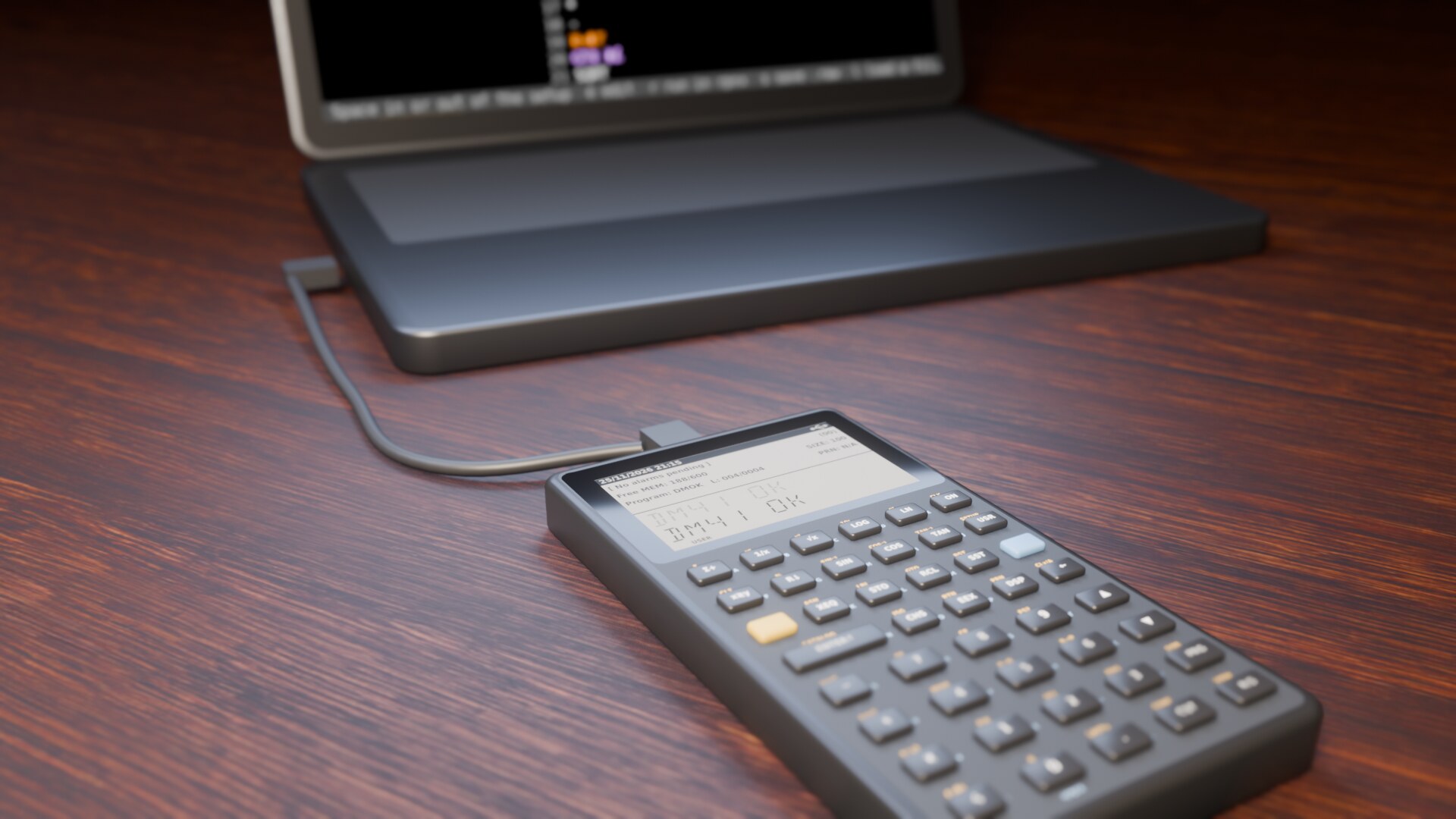
Back in 2020 when I was deep into the SwissMicros DM41X (a modern well built HP-41 clone), I wrote that I was missing a way to better interface with this little marvel. Today I got the urge to do just that… to move this up a notch.
I did sell my whole calculator collection this summer, but I still have this as a precious toy. Well, a bit more than a toy.
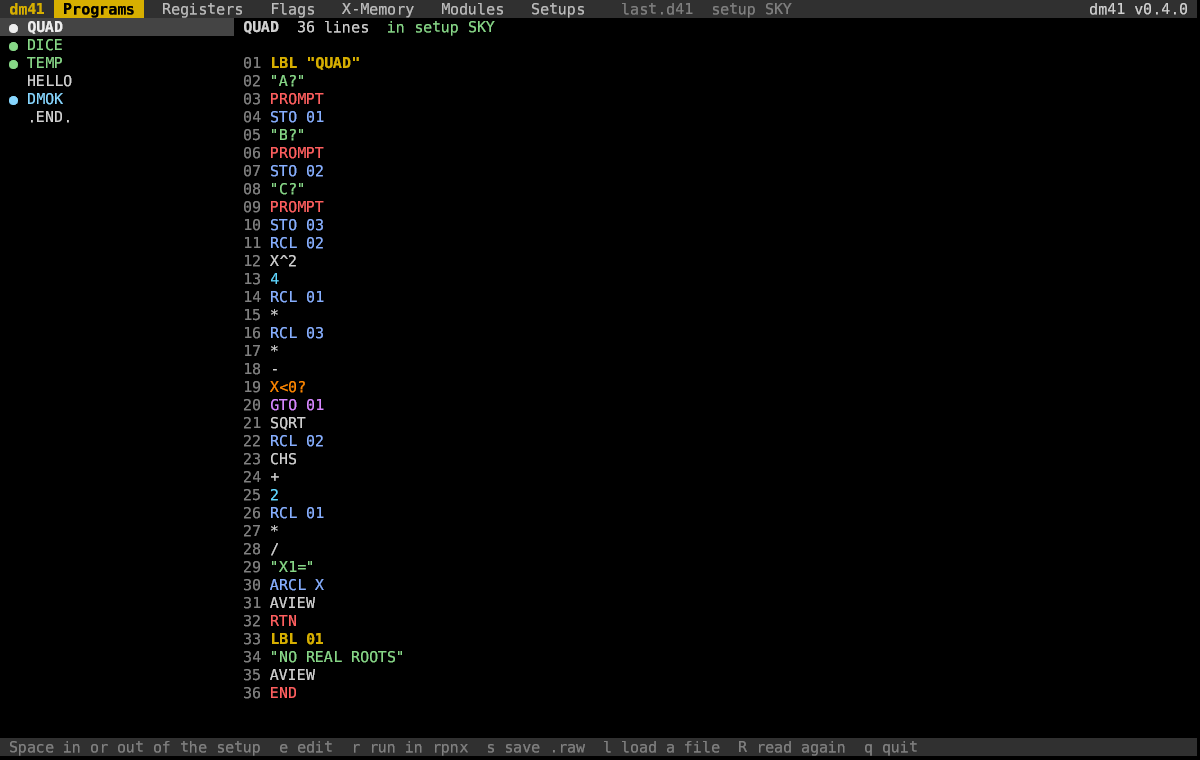
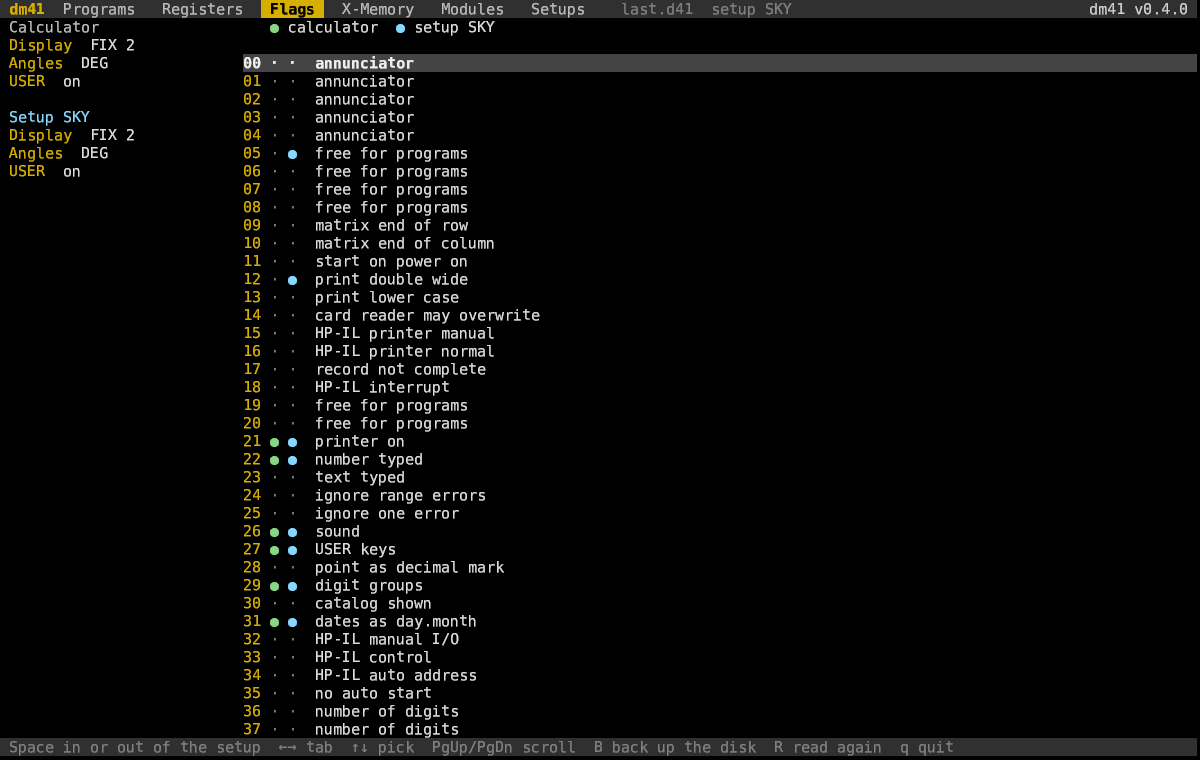
dm41 reads my DM41X. Plug the calculator in, pick File, Activate USB Disk, and the dm41 program shows what is inside: programs, registers, flags and X-Memory files.
Program listings come in colour. e opens a program in scribe, r runs it in rpnx, and s saves it as a .raw file. It’s like X-Mas came early this year.
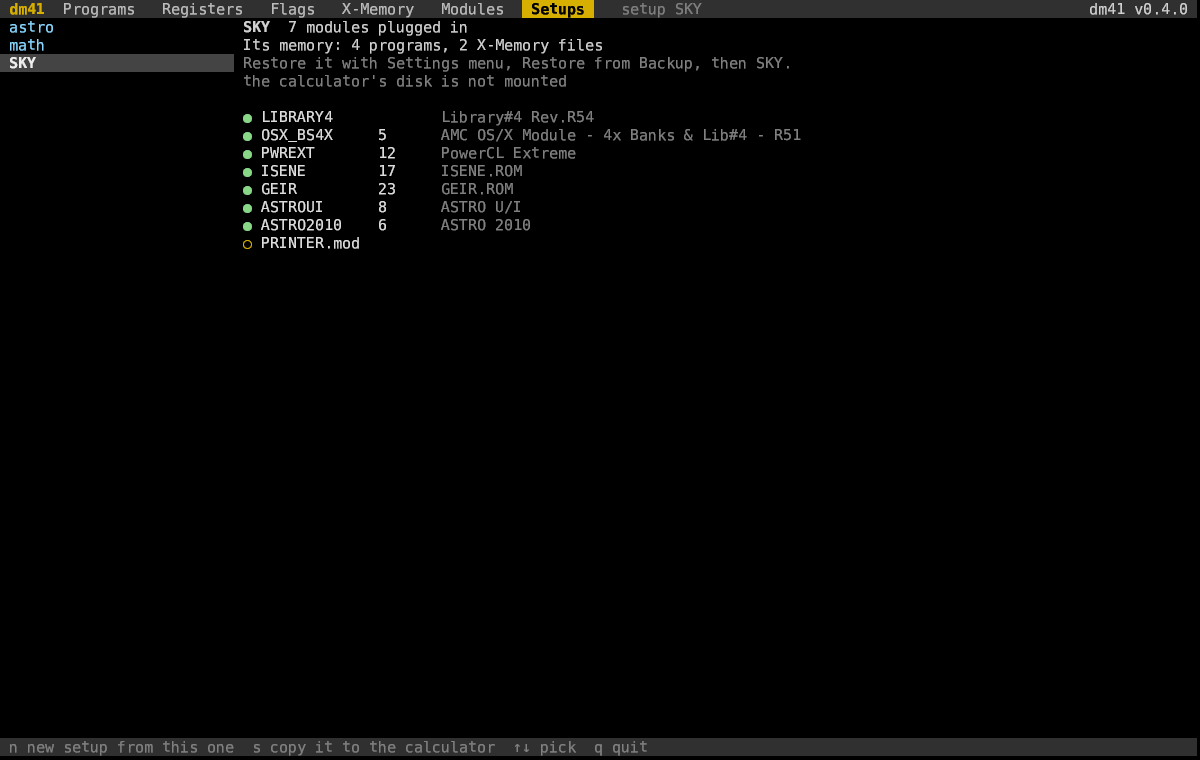
Setups
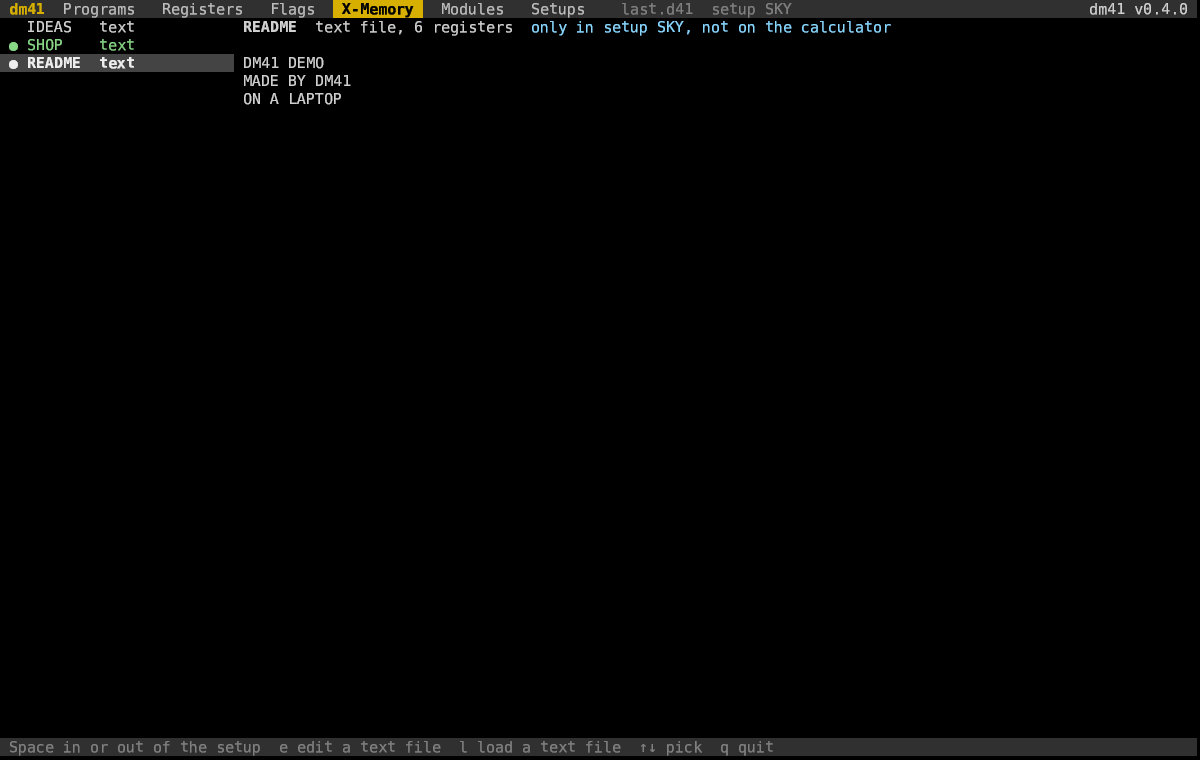
A setup is a whole calculator: modules, programs, text files and flags. n starts a new setup. Space puts a program or a file in it, and l loads one from my laptop. dm41 writes the setup to the calculator as a full backup. Restore from Backup on the calculator brings it all in at once.
B (for “Backup”) copies the calculator’s whole disk to the laptop.
dm41 joined the Fe₂O₃ family. Welcome to the Brady bunch, dm41!
(The image up there was made in Blender).
Link to this post: https://isene.org/2026/11/DM41.html